
Straight into your bin
Video goes to the “Video” bin and audio to “Audio”, with a clean file name.
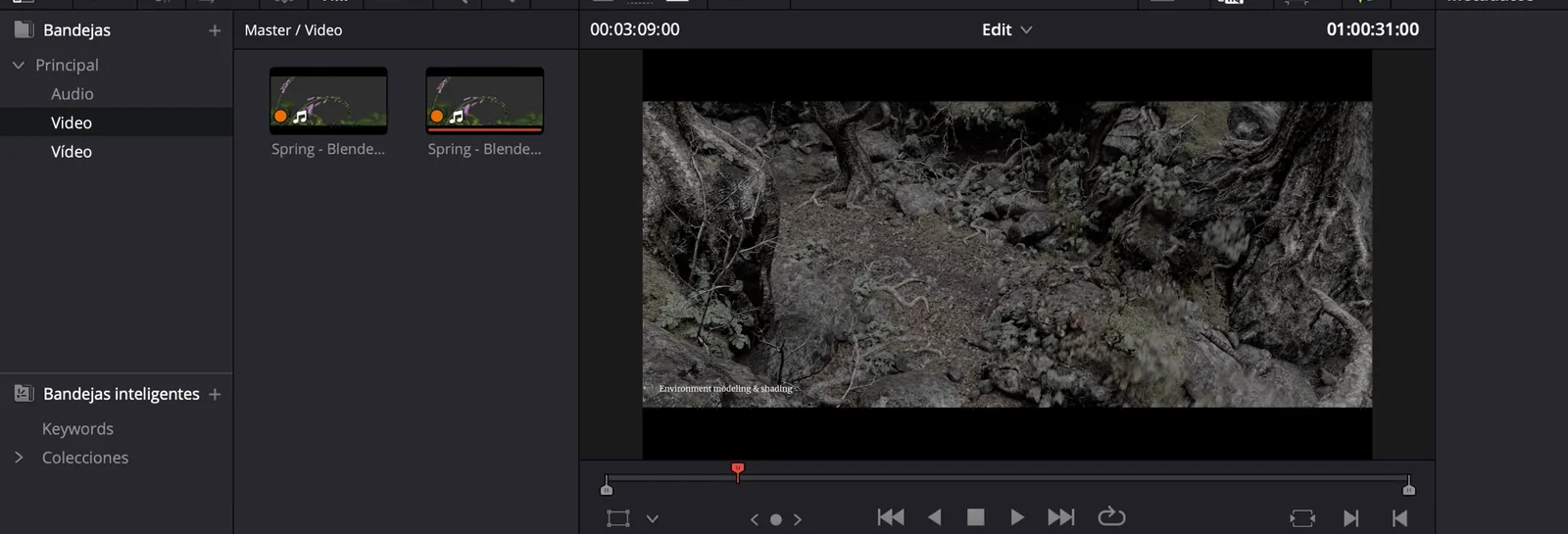
It goes straight into your bin, skipping your Downloads folder.
You’ll find it under Workspace › Workflow Integrations.
See each video’s thumbnail, length and channel.
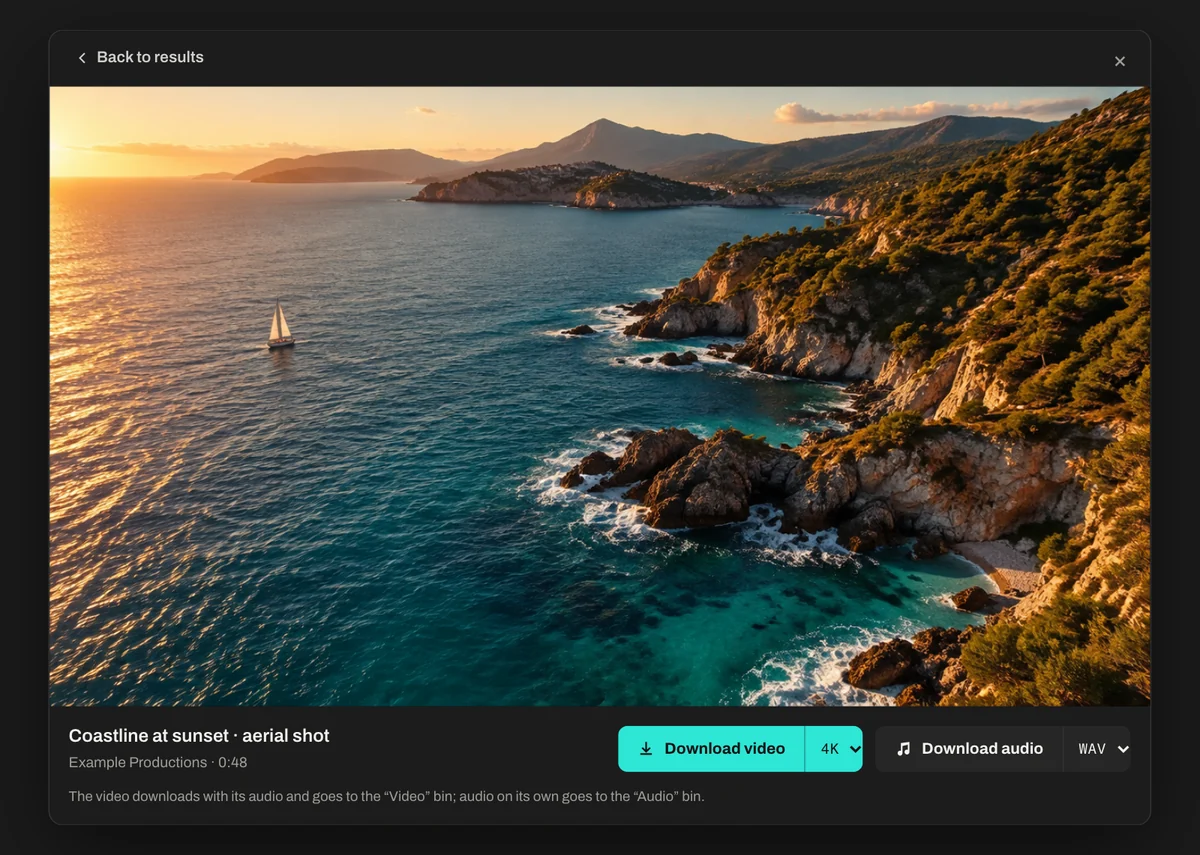
Video up to 4K with its audio, or just the audio, in the format you want.
Type what you’re looking for or paste a link. Tick the box to send it to your timeline too.
It plays in a floating viewer, and you download it from there.
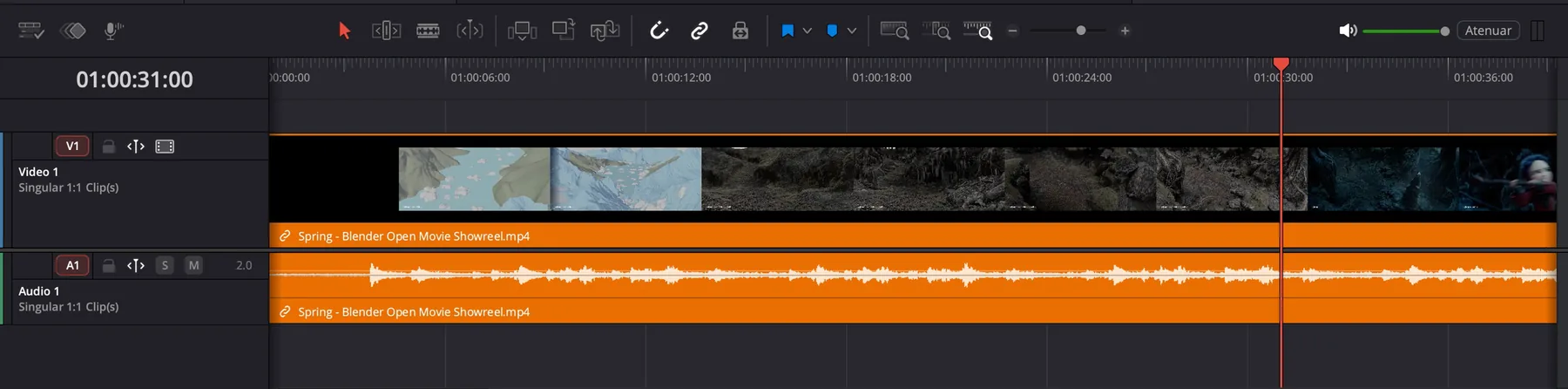
It also lands on your timeline if you ticked the box.
Pull and Bin brings the video or the audio into your project and lets you keep editing.
Video goes to the “Video” bin and audio to “Audio”, with a clean file name.
All you need is a free Xora Marketplace account.
€0
With its audio, in the quality you choose.
In MP3, WAV, M4A or FLAC, for when you only need the sound.
Search and download without interruptions.
A floating viewer plays the video without leaving DaVinci.
Tick the box and the clip goes to the end of your timeline, ready to cut.

If you already have the link, paste it into the search box.

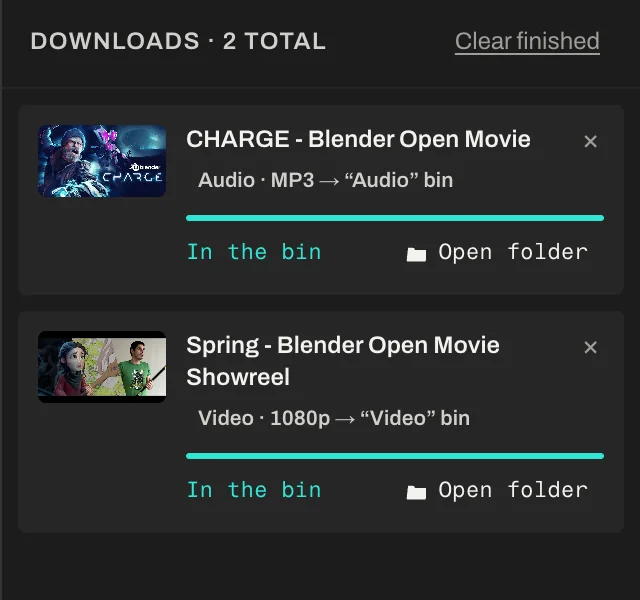
See each download’s progress and open its folder in one click.
Switch languages in one click from the panel itself.
The installer is signed on Mac and Windows.
Each project keeps its downloads in its own folder, with clean file names.
With Pull and Bin, you search and click.
Works with version 20.1 or later, on Mac and Windows.
Version 20.1 or later
Apple silicon or Intel
Windows 10 or 11, 64-bit
Sign in to the Xora Marketplace with Google or your email, click “Get” and choose Mac or Windows.
Open the installer, accept the terms of use and restart DaVinci Resolve Studio.
You’ll find it in the DaVinci menu:
Workspace › Workflow Integrations › Pull and BinNothing. Pull and Bin is free and asks for no card. You get it with your Xora Marketplace account.
Not yet. Integration panels are a DaVinci Resolve Studio feature.
To bring into your project material you have the rights to: your own videos, your client’s with their permission, or openly licensed content such as Creative Commons or the public domain. Pull and Bin doesn’t grant licences or check rights: that’s your responsibility.
In a downloads folder for each project, with clean names. Each clip keeps its source link, and you can open its folder from the queue in one click.
Yes. Since version 0.4, the panel and the installer are in English and Spanish. Switch languages with the ES / EN selector in the panel.
No. Pull and Bin is an independent tool by Xora, unrelated to any video platform.
Yes, it’s on the way. Write to us and we’ll let you know when it’s out.

Only use Pull and Bin with content you have the right to download and use.